
FactorPrism for desktop.
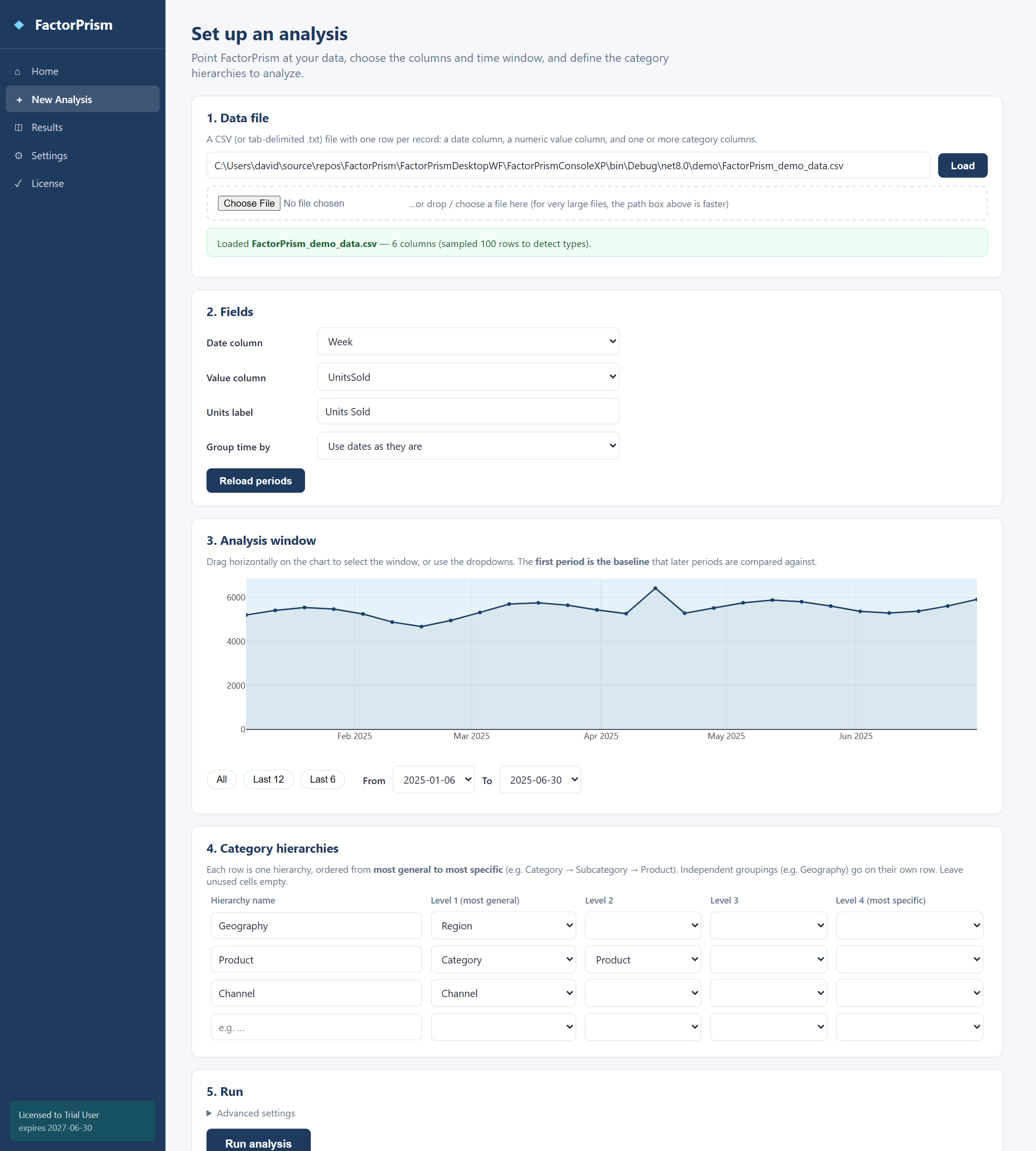
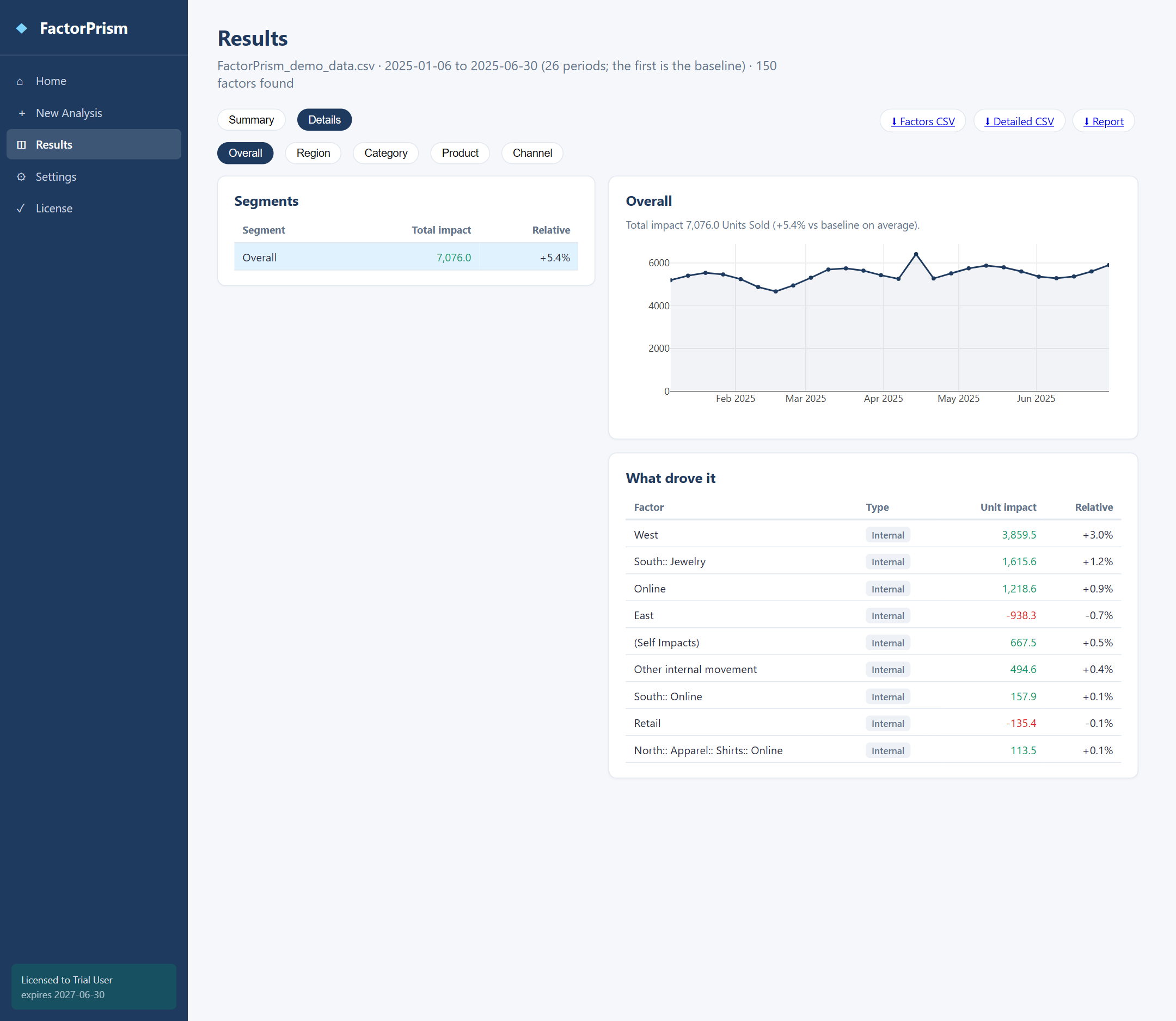
The same kind of analysis on your own machine: load a CSV, choose your columns, and see the factors behind the change. A visual interface in your browser plus a scriptable command line, on Windows, macOS or Linux. Everything runs locally.
Request access
The desktop app is provided on request, with a license file, for free trials and paid licenses. Tell us your platform and we will email your download link and .fplic license, usually the same business day.
How licensing works
Running an analysis requires the license file. Place it in the same folder as the application, or let the License page in the app install it. Check status any time with FactorPrism license.
Getting started
- Unzip, and place your license file in the folder.
- Run
FactorPrism uito open the visual interface in your browser. - Choose Run the demo to see a full analysis on sample data, or New Analysis to load your own CSV.
Prefer the command line? FactorPrism init, validate and run work as before.
First run on macOS or Linux
Make the program executable with chmod +x FactorPrism. On macOS, also clear the download quarantine (xattr -d com.apple.quarantine FactorPrism) or approve the app under System Settings › Privacy & Security. The macOS build is code-signed with our Apple Developer ID and notarized by Apple.
Built for automation
Stable exit codes, --json output and CSV streaming to standard output make the desktop app easy to drive from scripts, CI pipelines and AI agents.